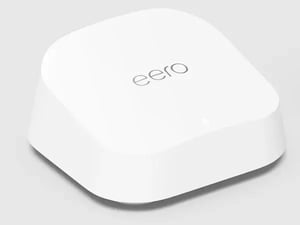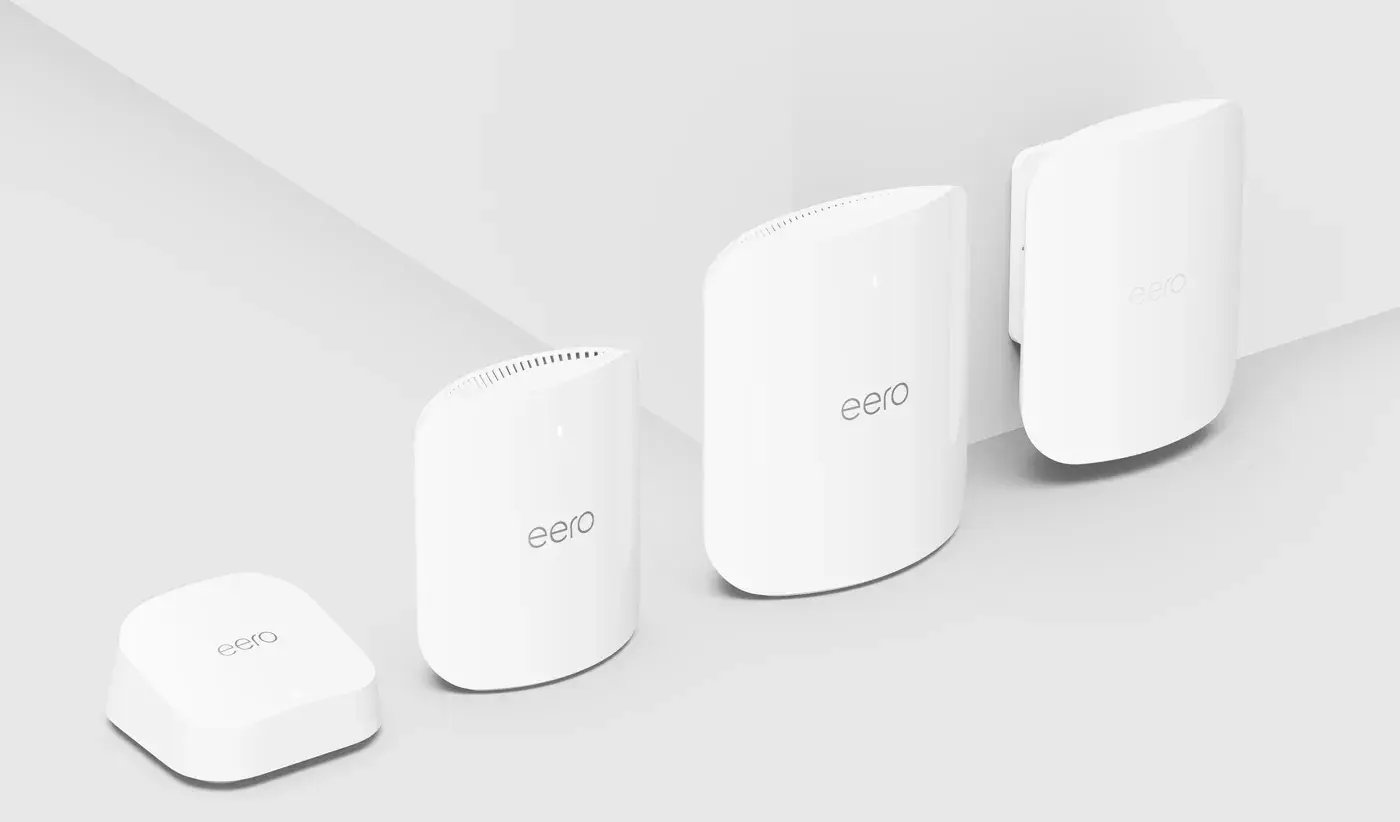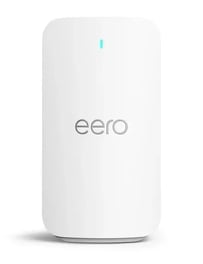


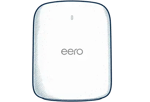

Just had your eero installed?
Your Dobson tech already connected your main eero to fiber. Here's how to make it yours.
- Sign in to the eero app with the same email used when your eero was set up. Your network shows up on the Home tab.
- Check the light. A solid white light means your eero is online. What the colors mean
- Connect your devices to your WiFi name and password. Then name them in the app so you know what's what.
- Set up a guest network and profiles for visitors and kids, and run a speed test to see your fiber at work.
Don't see your network after signing in? Call us at 855.5.DOBSON and we'll get it linked to your account.