Every screen at once
The living room TV, the kids' tablets and the laptop in the kitchen all stream at the same time.

No spinning wheel, no fighting over bandwidth, no missing the big moment. Dobson Fiber streams every screen in the house at once.
Every household has seen this show, and nobody liked it. Here is how it ends.
The living room TV, the kids' tablets and the laptop in the kitchen all stream at the same time.
Symmetrical speeds keep video calls and watch-party chats clear while the movie plays.
Binge the whole season in 4K. No data caps and no overage fees.
A dedicated fiber line holds its speed when the whole neighborhood streams at night.
Fiber runs to your home, so the show doesn't depend on a clear view of the sky.
Free installation and no long-term commitment. Stay because it works.
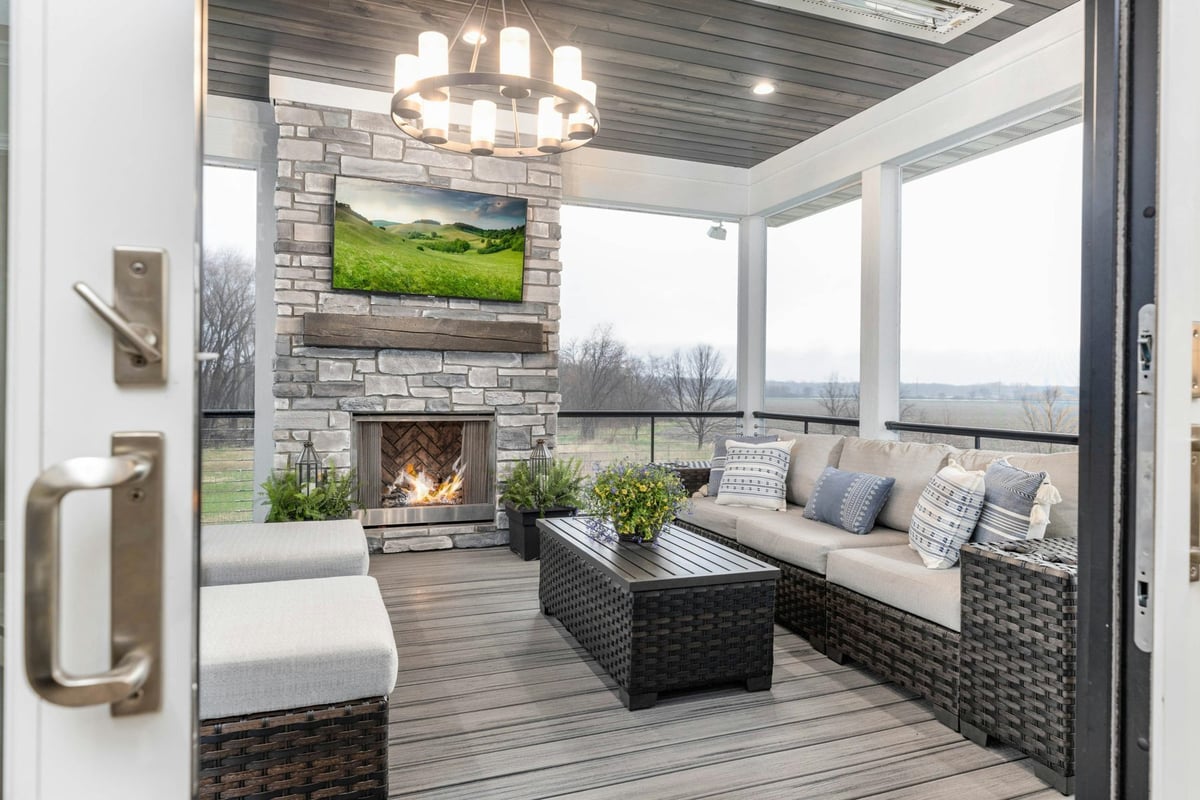 STREAMING ON THE PATIO
Strong WiFi from the living room to the lawn chairs. Add a booster and game day moves outside.
Advanced security and parental controls let you decide what the kids can watch, and when.
Pause the kids' devices at bedtime from the eero app and keep the grown-up shows going.
| What matters | Dobson Fiber | Cable | Fixed wireless / 5G home | Satellite |
|---|---|---|---|---|
| Prime-time stability | Dedicated fiber to the home holds steady | Shared neighborhood capacity can slow evenings | Shared tower capacity | Shared beam capacity |
| Weather | Fiber line isn't affected by clouds or rain | Generally steady | Can vary with signal and weather | Heavy rain or snow can interrupt the signal |
| Upload speed | Symmetrical, up to 10 Gigs | Usually a fraction of download | Typically well below download | Typically low |
| Data | Unlimited, never throttled | Some plans cap or charge overages | Some plans deprioritize heavy users | Some plans cap or slow priority data |
| Best for | 4K streaming, live sports, full houses | Everyday streaming | Light use where wired service isn't available | Remote areas with no wired option |
Typical characteristics by technology type. Individual providers, plans and locations vary.
Every plan is 100% fiber with symmetrical speeds, unlimited data, free installation and no contracts.
Speeds are "up to" and plan availability and included equipment vary by address. Check your address for the plans available at your home.
Move the sliders to match a busy night at your place. We add room to spare so nothing stalls.
Estimates use about 25 Mbps per 4K stream, 8 per HD stream, 10 per gamer, 4 per video call and 1 per other device, doubled for headroom. Actual needs vary.

When networks and TV providers get stuck in a distribution standoff, viewers can lose channels for weeks, sometimes months. With streaming, you pick the services, switch whenever you want and can add live TV with DIRECTV streaming.
Free from our partner MyBundle: get streaming recommendations, manage your streaming costs, create watchlists and search where to watch. New to streaming? Read cutting the cord with Dobson Fiber.
DIRECTV is a streaming service that runs over your Dobson Fiber connection. Get live TV, local channels where available and sports on a Gemini Air device or the DIRECTV app. No satellite dish, no cable box.
 LIVE
LIVEBilling for streaming TV is managed directly with DIRECTV, on autopay in advance for the following month. Dobson Fiber and DIRECTV invoices are separate.
Visit directv.com/support or call DIRECTV at 800-531-5000. DIRECTV reps are available 24/7.
You do, and it takes a few minutes. Dobson Fiber technicians don't install or train on DIRECTV equipment, but DIRECTV reps can help online or by phone any time.
Yes, on supported devices. Download the DIRECTV app from the Apple App Store, Google Play or Amazon and sign in with your DIRECTV user ID and password.
Set the router up high and out in the open, near the middle of the house, not in a cabinet.
Plug your biggest screen in with an Ethernet cable for the steadiest 4K picture.
A WiFi booster near the back door carries the signal to the patio and deck.
Use the eero app to group the kids' devices, filter content and set bedtime pauses.
Keep streaming apps and smart TV software current for the best quality and fewest crashes.
Stream 4K on screens that show it, and let phones and tablets stay in HD.
If a streaming stick acts up, a quick restart clears it out before the big game.
Run a speed test on a wired device to see what your fiber line delivers.
Tick these off before the opening credits.
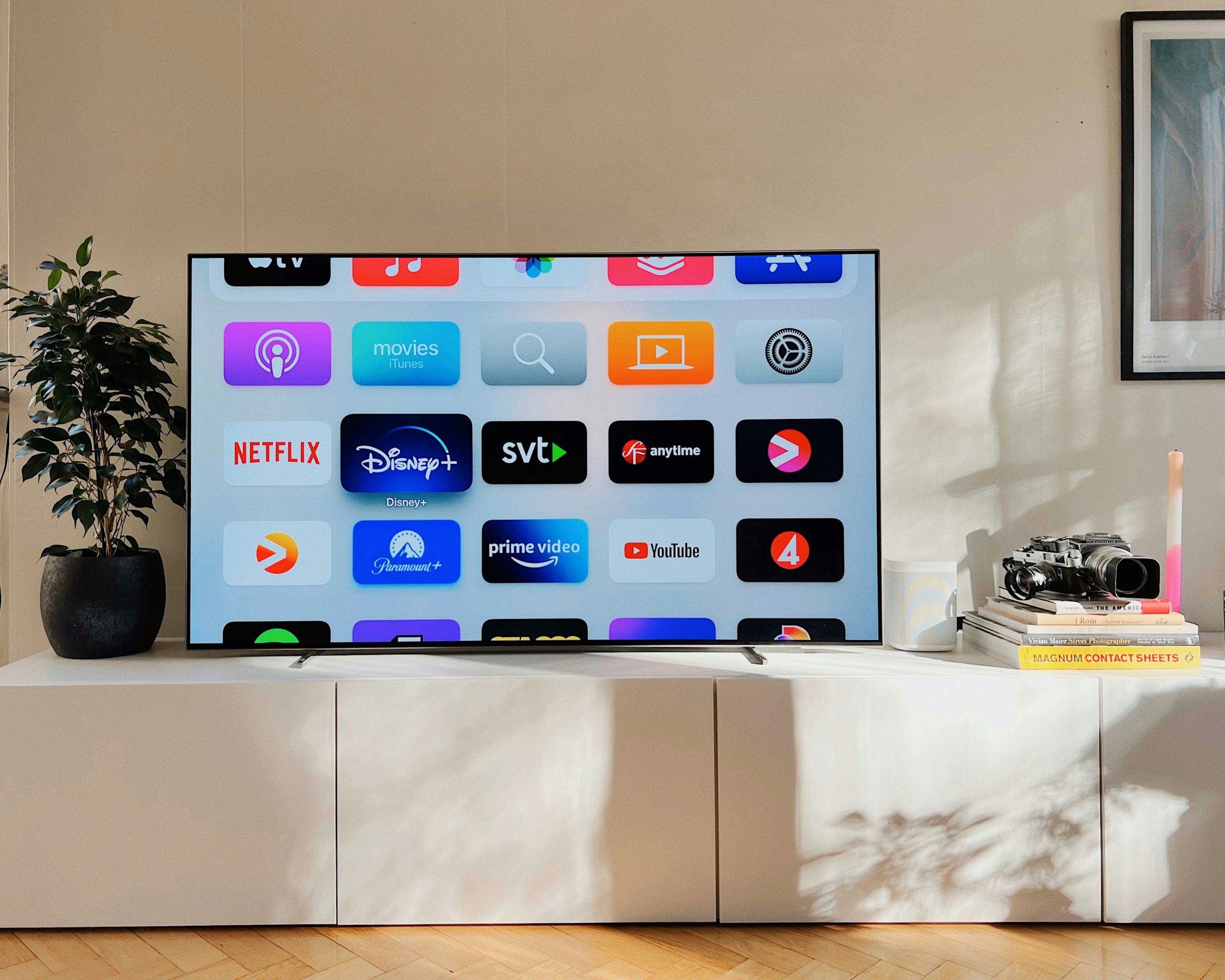
Built-in streaming apps in 4K and HDR on the biggest screen in the house.
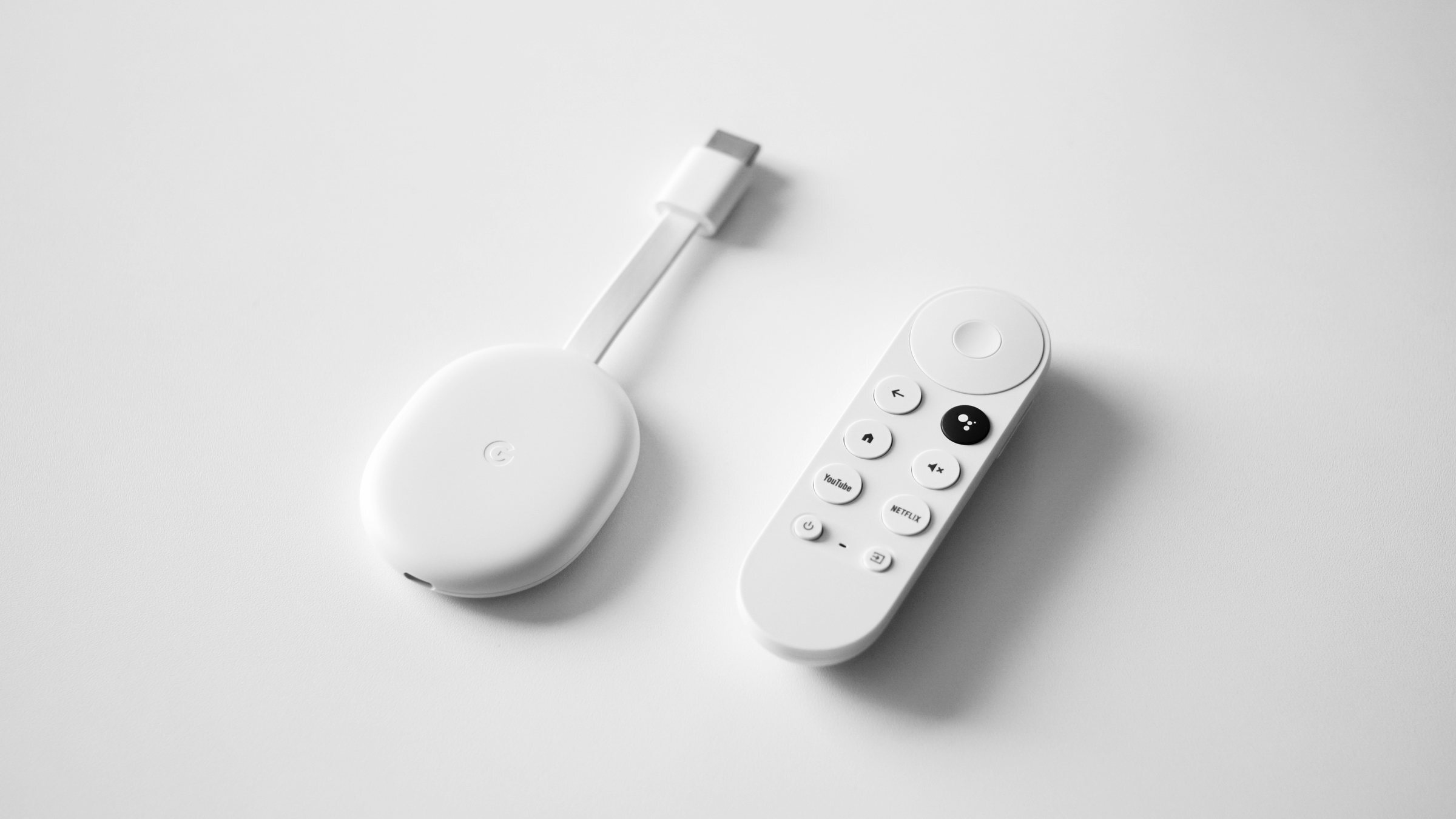
Turn any TV into a streaming TV, from the den to the guest room.
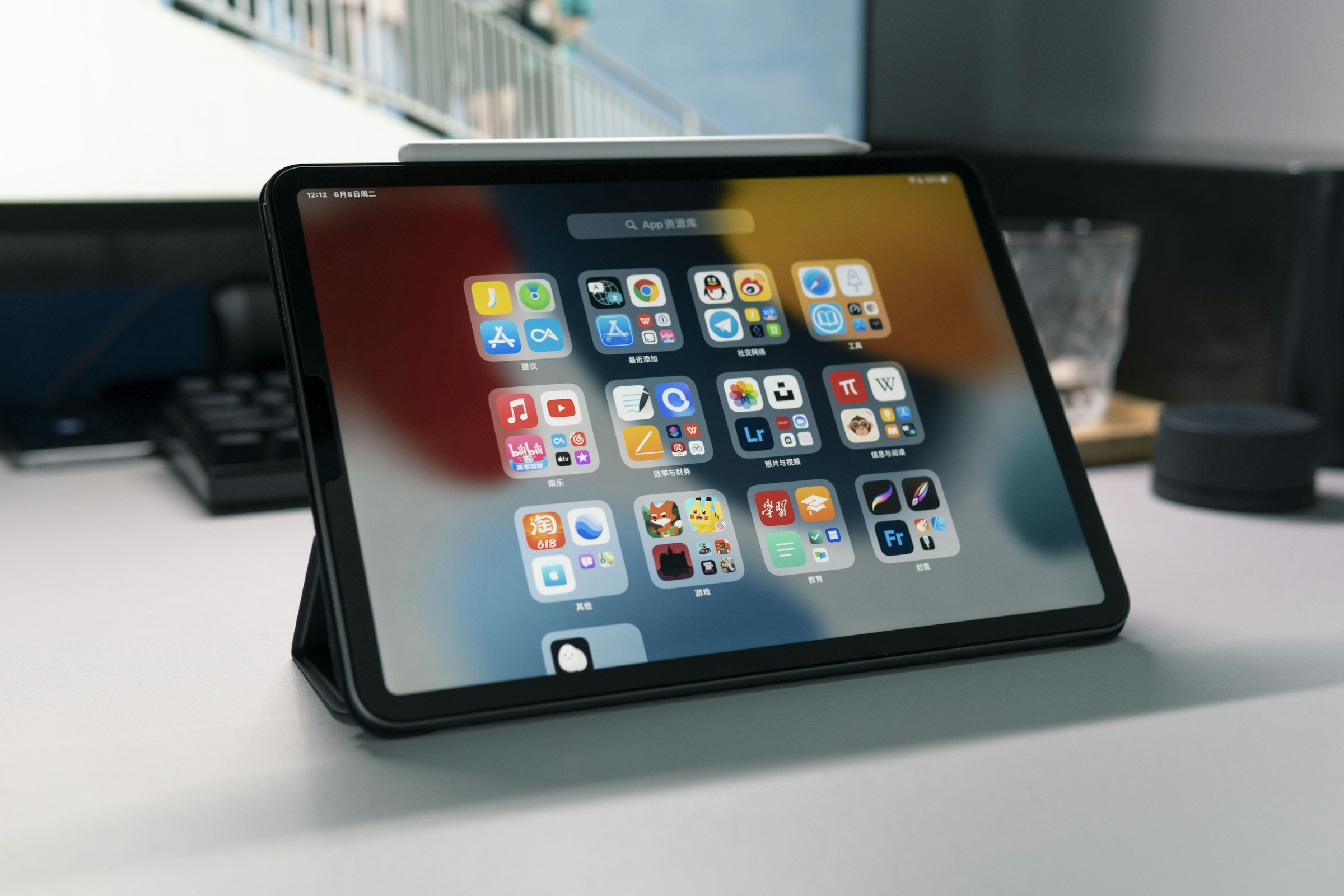
Shows in bed, cartoons in the car seat, highlights at halftime.
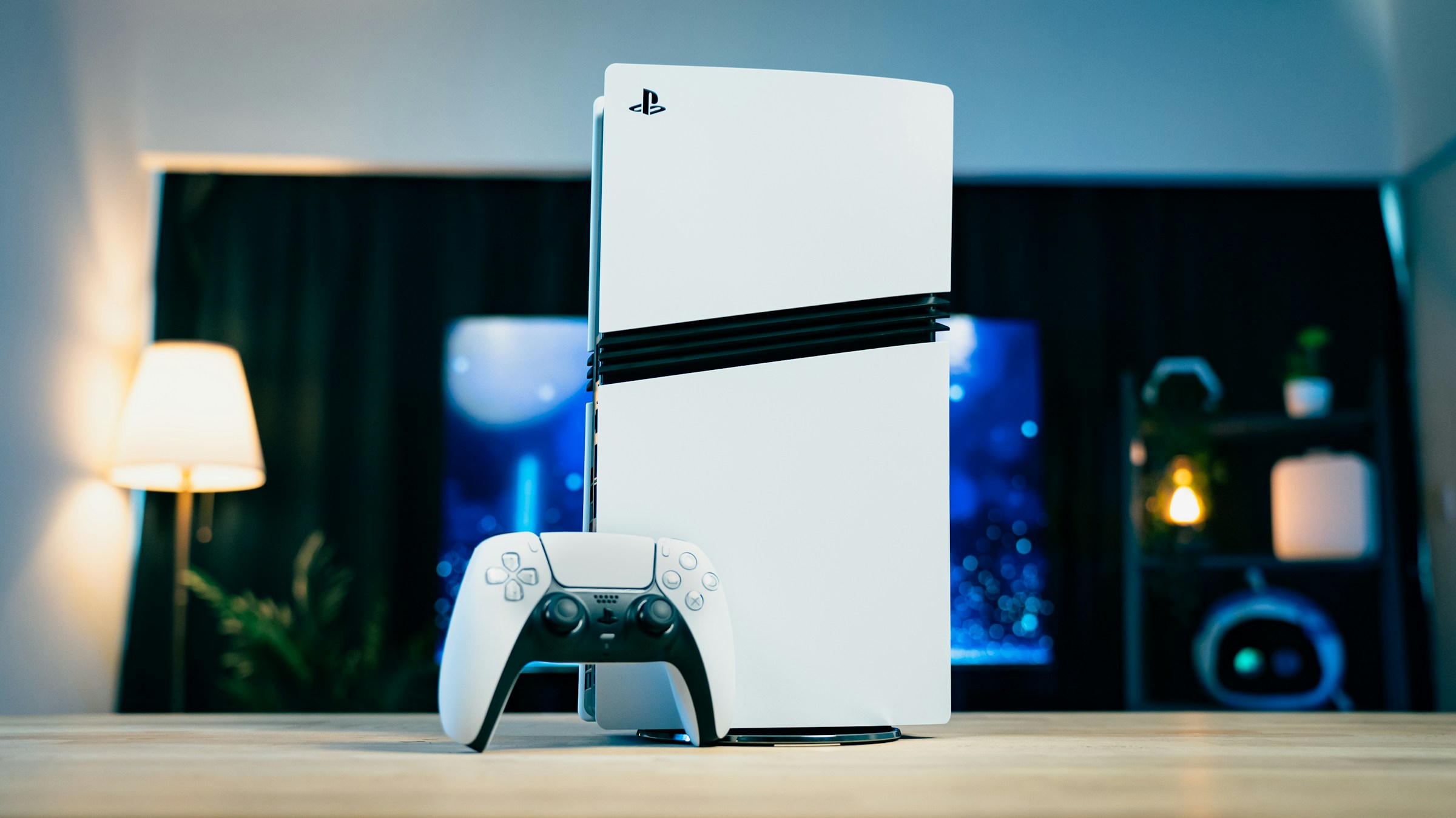
Stream movies and play online on the same connection without trade-offs.








Real five-star reviews from Dobson Fiber customers on Google and ISP Reports, edited for length.
"I am so pleased to say that since switching to Dobson Fiber I have not had any service loss or any buffering. My TV has been running flawlessly ever since."
"…The internet is extremely fast. I can stream tv and movies while my husband plays his games online…"
"Wow one day I had all five devices that I own streaming 5 different movies at same time...they played perfectly!!!!"
"…We commonly have 3 or 4 devices running at once and there's no lag…more than enough for a house with 2 teens that game and stream everything!"
"…so far the streaming is awesome with no buffering…"
"…It runs smoothly during bad weather and its speed is great, never slow or buffering. Absolutely love it."
"We are a heavy internet use household. Online gaming, streaming, music, Alexas, phones…Service is great, fast and rarely goes down…"
"…My speeds are definitely faster. No bonding, lag, blips on the TV screens, and no drop outs. I am very satisfied with Dobson…"
"Dobson fiber internet, has been a pretty amazing service. Its fast and it doesnt lag or time out. And I have can multiple devices connected at once and it still runs fast."
"…We hardly EVER lose service due to inclement weather, we never have any buffering issues like other carriers…"
"…it is super fast I have 4 gamers in my household and pings are all below 60"
"No lag. No buffering, just smooth fast service…"
Moving up to 2, 5 or 10 Gigs gives a busy house more room for 4K screens and big downloads.
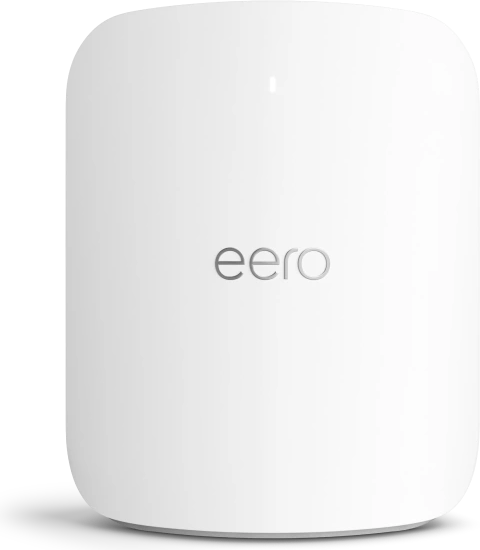
See available plansAdd a booster for the patio or upgrade your router. eero Plus adds advanced security and parental controls.
Manage in My AccountHelp with your WiFi and connected devices, so the streaming stick and smart TV keep working.
Add in My AccountCustomer Care: Monday through Saturday, 7 a.m. to 8 p.m. Tech support: 24/7 at 855.5.DOBSON (855.536.2766).
Yes. Fiber runs a dedicated line to your home, so your speed holds steady at prime time and with many screens running at once. That means fewer stalls, a sharper picture and live sports that stay live.
A 4K stream uses about 25 Mbps and an HD stream about 8 Mbps. Busy homes add gaming, video calls and dozens of connected devices, so use the calculator above. Every Dobson Fiber plan starts at up to 1 Gig.
Usually it's WiFi, not the line. Move your eero into the open, wire your main TV with Ethernet, add a booster for far rooms and keep apps updated.
Yes. Your included eero WiFi 7 router covers the home, and a WiFi booster near the back door extends coverage to the patio and deck. The 2, 5 and 10 Gig plans include a free booster.
The eero app lets you group the kids' devices, filter content and set bedtime schedules. Advanced security and parental controls are available with eero Plus.
Distribution standoffs between networks and TV providers can black out channels for weeks. Streaming services let you choose and switch lineups whenever you want. Find My Bundle helps you compare options for free.
A free tool from our partner MyBundle. Tell it what you watch and your ZIP code, and it suggests streaming lineups and prices. Start at mybundle.tv/dobson/home.
No. Every plan includes unlimited data with no throttling or overage fees.
1 and 2 Gig plans include a first eero WiFi 7 router free. 5 Gig includes an eero Pro WiFi 7 and 10 Gig includes an eero Pro Max WiFi 7, both with a free booster and Tech Protect WiFi.
No contracts, and installation is free.
Check your address at shop.dobson.net to see the plans available at your home.