★★★★★
"We had major game lag with [our old provider] and this internet service is leaps and bounds above them. I have had zero game lag at all. We are a gaming family… we usually have multiple consoles going at once."
100% fiber internet built for the way your household actually plays. Symmetrical speeds up to 10 Gigs, unlimited data and WiFi 7 eero routers keep every console, PC and headset in the game — even when everyone's online at once.


Some internet plans meter every gigabyte — and today's big game installs and day-one patches can run 100 GB or more. That's a boss we refuse to let into your house.

Use your power-ups to take him down.

Speed gets the headlines, but gamers feel the difference in consistency: steady ping, fast installs, and no slowdown when the rest of the house logs on.
Your upload is as fast as your download. Stream to your channel, share clips, sync cloud saves and voice chat in crystal clear — all at the same time.
Fiber carries your connection on light, so it's less prone to the peak-hour congestion and interference that cause ping spikes and rubber-banding.
Download your whole library, binge streams and play all weekend. No caps, no overage fees, and we never throttle your speed.
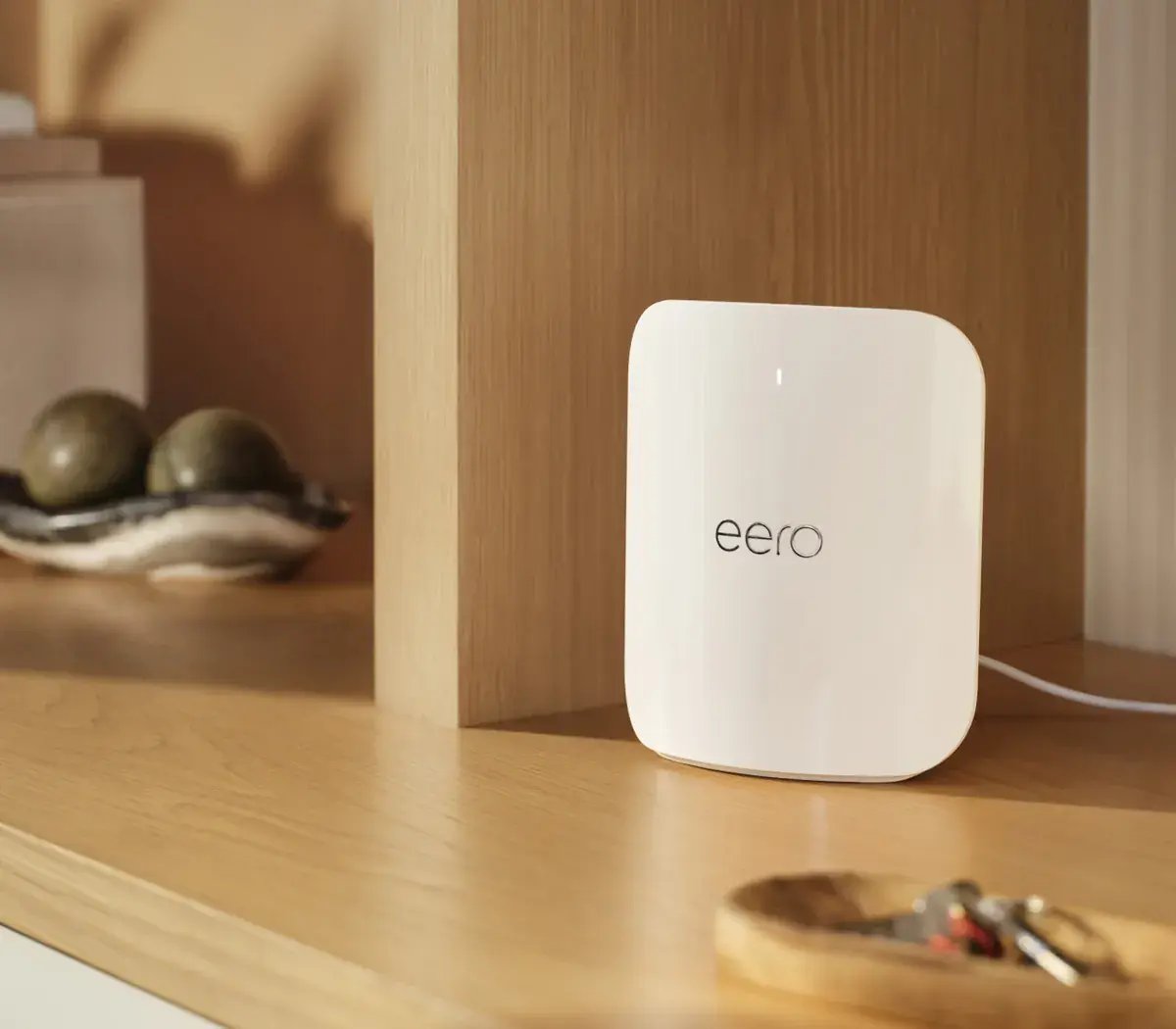
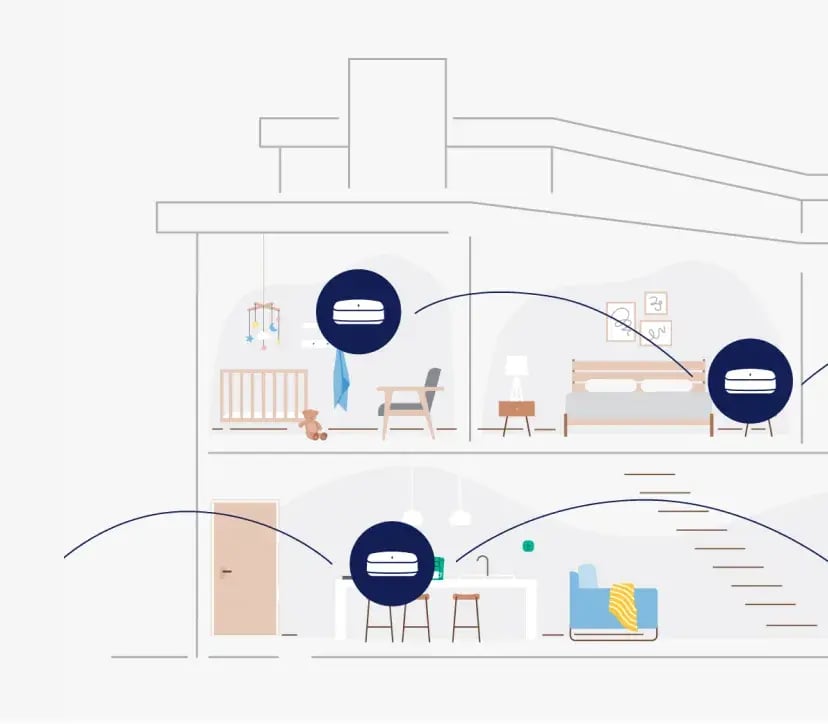
Your first eero WiFi 7 router is free, with whole-home mesh coverage that cuts down on dead spots in the game room, the bedroom and the back porch.
Ranked matches upstairs, a 4K stream downstairs and a 100 GB update in the background. Fiber has the headroom for the whole squad.
A neighbor who happens to run great internet. Our local team installs it for free, and tech support is there around the clock.
Not all connections are built the same. Here's how the technologies typically compare on the stats gamers care about most.
| Stat | Dobson Fiber | Cable | Fixed wireless / 5G home | Satellite |
|---|---|---|---|---|
| Upload speed | Symmetrical — matches your download, up to 10 Gigs | Usually a fraction of download speed | Typically well below download; varies by signal | Typically low |
| Latency (ping) | Low and consistent | Generally low, can rise when the neighborhood is busy | Varies with signal, weather and tower load | Higher; distance to orbit adds delay |
| Data | Unlimited — never throttled | Some plans cap or charge overages | Some plans deprioritize heavy users | Some plans cap or slow priority data |
| Busy-hour stability | Dedicated fiber to the home holds steady | Shared neighborhood capacity | Shared tower capacity | Shared beam capacity |
| Best for | Competitive play, streaming, big downloads, full houses | Casual play | Light use where wired service isn't available | Remote areas with no wired option |
Typical characteristics by technology type. Individual providers, plans and locations vary.
Every plan is 100% fiber with symmetrical speeds, unlimited data, free installation and no contracts. Pick a tier by how many players, streams and downloads you're running at once.
Speeds are "up to" and plan availability and included equipment vary by address. Check your address for the plans available at your home.
Pick a download size and see best-case download times by connection speed. The difference between waiting all evening and playing tonight is real.
Best-case math at full line rate. Real-world times also depend on the game's download servers, your console or PC, storage speed and WiFi. Plug in with Ethernet for the fastest results.
Fiber brings the speed to your door. These eight moves get it all the way to your controller.
A wired Ethernet connection is the single biggest ping upgrade there is. Run a Cat6 cable from your eero to the console or PC you play on most — WiFi is great, but a cable is greater.
Keep it central, up high and out in the open — not in a cabinet, behind the TV or next to a fish tank, microwave or metal shelving. Walls and appliances soak up signal.
If the gaming setup is far from the router, add an eero booster about halfway between them. eero's mesh hands devices off between nodes automatically to kill dead spots.
Newer consoles, PCs and headsets support faster WiFi bands. On supported eero WiFi 7 models, compatible gear can use the less-crowded 6 GHz band — eero picks the best band for each device for you.
Look in the eero app's network settings for the option to optimize for conferencing and gaming, which helps prioritize real-time traffic like matches and voice chat.
If a game reports a strict or moderate NAT, make sure UPnP is on in the eero app, or set up a reservation and port forwarding for your console. An open NAT makes matchmaking and party chat smoother.
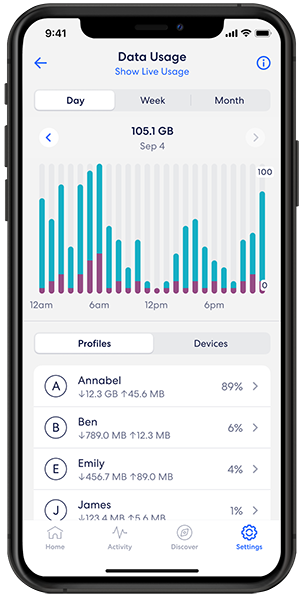
The eero app shows data usage by device and profile, so you can spot the cloud backup or 4K stream crowding a ranked match — and pause a device when it's go-time.
Ping is also about distance. Choose the nearest region in your game's settings, keep console and PC firmware updated, and restart your gear now and then for a clean slate.
Big release this week? Run this checklist so you're playing at midnight instead of watching a progress bar.
Whatever your platform of choice, a fiber connection means faster downloads, smoother online play and cloud gaming that looks the way it should.
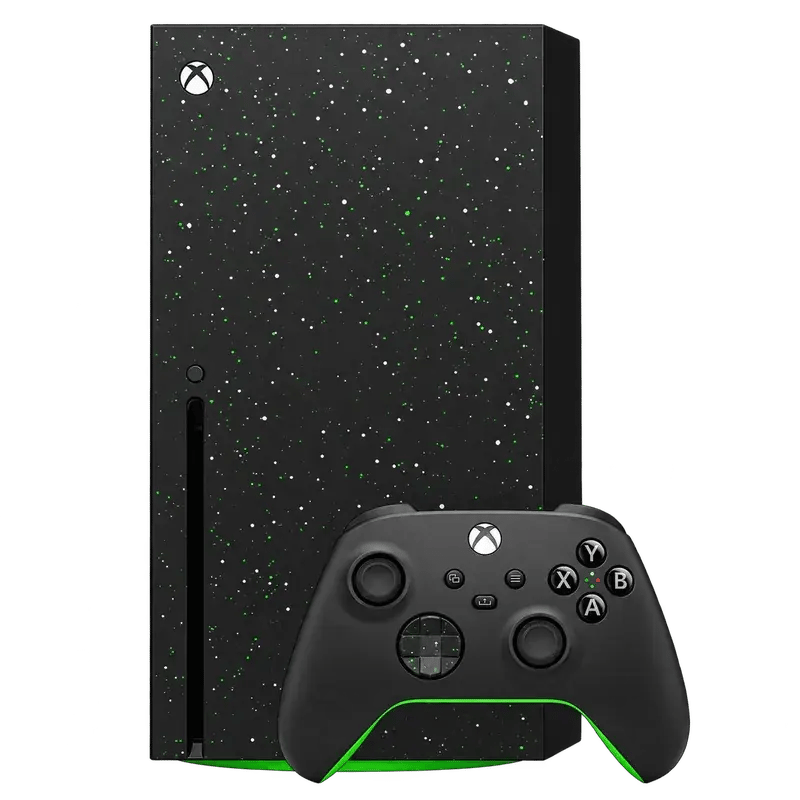
Massive installs and day-one patches, done fast.
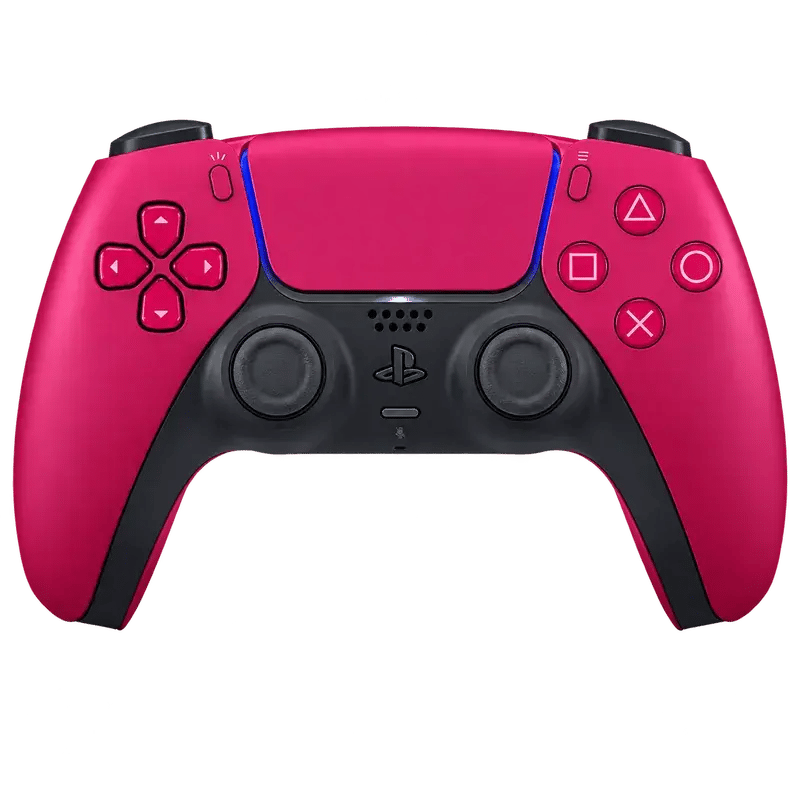
Steady ping for ranked matches and party chat.
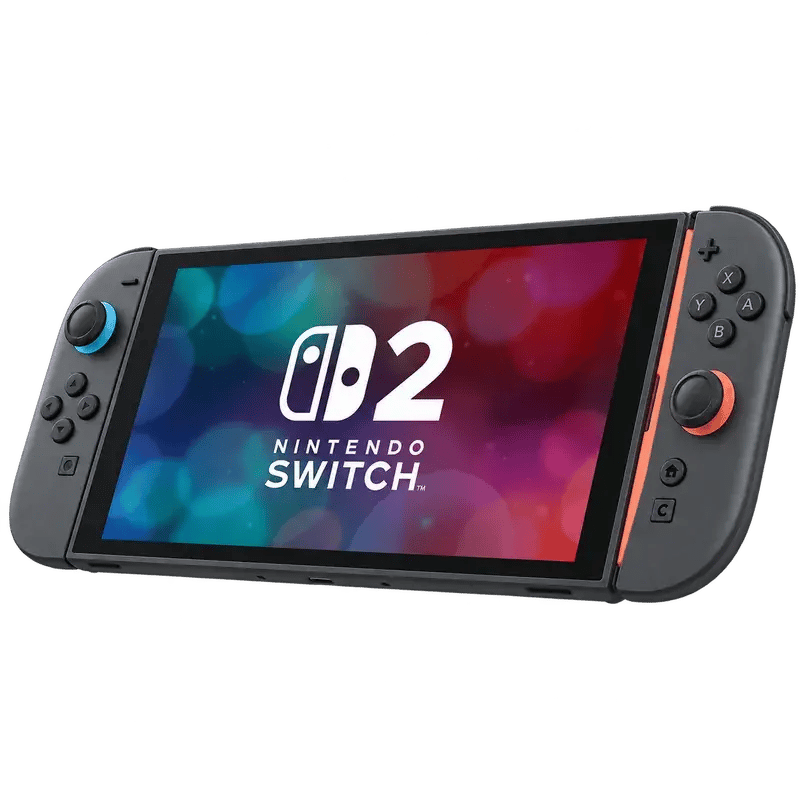
Quick downloads before you hit the road.
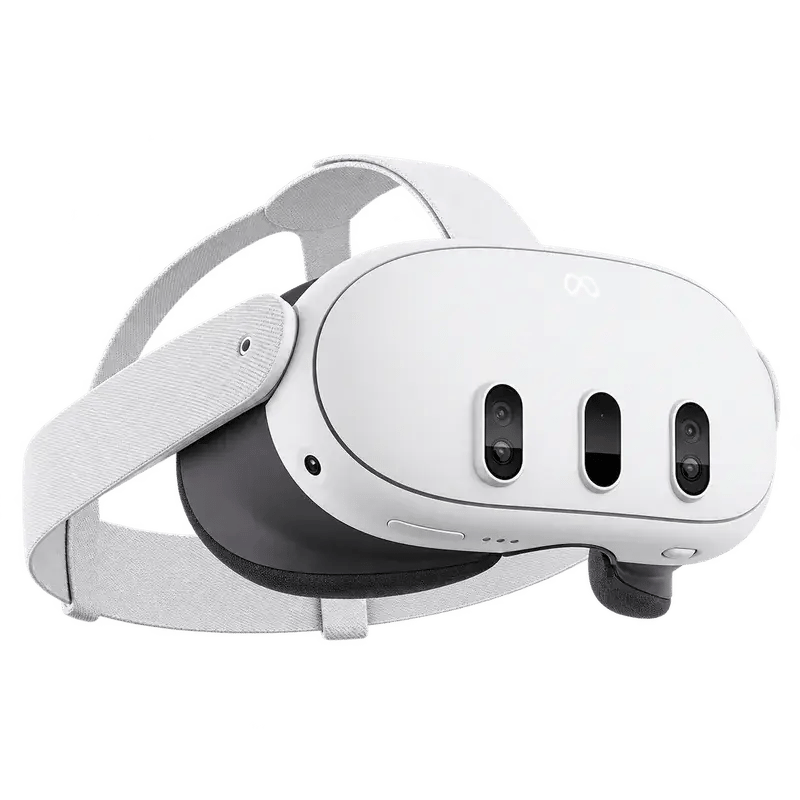
Big VR downloads and smooth game streaming.
Lower lag, unlimited data and WiFi 7 eero in every room. Swipe through the reel.
Gaming at home is a family sport. Kids, parents and grandparents can all be online together without anybody yelling "who's downloading something?!"





Real five-star reviews from Dobson Fiber customers on Google and ISP Reports, edited for length.
"We had major game lag with [our old provider] and this internet service is leaps and bounds above them. I have had zero game lag at all. We are a gaming family… we usually have multiple consoles going at once."
"Amazing, really fast — no lags on online gaming. Fast to update and install video games… better than waiting 2 hours years ago with a different company."
"It is super fast. I have 4 gamers in my household and pings are all below 60."
"My kids love gaming and haven't complained about ping or rubber banding since we switched. We have multiple users and everything is running smoothly."
"I'm a gamer and I never lag or have any problem with Dobson."
"The speed is awesome… got the 2 gig plan. A must have for gamers."
"We commonly have 3 or 4 devices running at once and there's no lag. I have the smallest package and it's more than enough for a house with 2 teens that game and stream everything!"
"Flawless — no issues with lag or speed. Not one game in 3 months has lagged."
"Since we switched to Dobson we have had no interruptions on our streaming and no lagging during gaming. I am amazed at the difference."
"The speed allows 3 TVs to stream while two more game, and [we] haven't had latency problems."
"Nobody beats Dobson in Ardmore — not for speed, price or being able to support over 30 devices without losing speed."
"The eero equipment is first rate. With the repeater, I have strong WiFi signal through my house."
Our local Customer Care team can upgrade your speed, add eero gear or protection, and get your network game-ready — usually in one quick call.
Step up to 2, 5 or 10 Gigs where available when the household adds players, streams or a gaming PC.
Add an eero booster for the game room, or move up to a more powerful eero Pro or Pro Max WiFi 7 router.
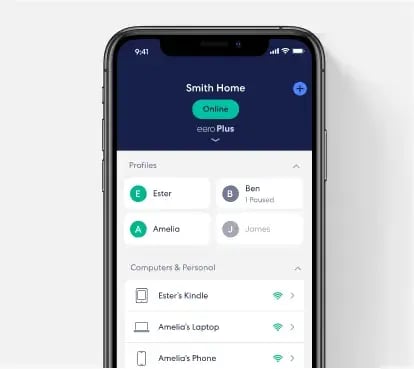
Advanced security, ad blocking, Internet Backup, a VPN and more — a monthly add-on that protects every device on your network.
Repair and warranty coverage for the electronics you love, from laptops and tablets to TVs.
Speed upgrades, eero devices, eero Plus and Tech Protect — just ask for Customer Care.
Straight answers to the questions gamers ask us most.
For most households, yes. Fiber delivers symmetrical upload and download speeds, low and consistent latency, and plenty of headroom when several people are online at once. That means fewer ping spikes, faster downloads and smoother streaming while you play.
Online matches themselves use surprisingly little bandwidth. What gamers really feel is latency, stability and download speed for installs and patches. A 1 Gig plan is plenty for most homes with one or two gamers. Households with multiple players, streamers or big game libraries get more headroom from 2 Gigs and up.
Under about 50 ms feels smooth for most online games, and competitive players aim lower. Your ping also depends on how far away the game server is, so choose the closest server region in your game's settings and use a wired connection when you can.
No and no. Every residential plan includes unlimited data, and we never throttle your speed. Download your whole library if you want to.
Upload powers streaming your gameplay, voice and video chat, uploading clips, syncing cloud saves and hosting matches. With Dobson Fiber, your upload speed matches your download speed.
Common culprits are WiFi distance or interference, a distant or overloaded game server, or other devices hogging bandwidth. Try plugging in with Ethernet, moving your eero into the open, picking a closer server, and checking usage in the eero app. Still stuck? Our tech support team is available 24/7 at 855.5.DOBSON.
Yes. Cloud gaming and live streaming both benefit from fiber's steady latency and symmetrical speeds, so you can play in the cloud or go live without sacrificing the rest of the household's connection.
Your first eero WiFi 7 router is free. The model depends on your plan: 1 and 2 Gig plans include an eero WiFi 7 router, 5 Gig includes an eero Pro WiFi 7, and 10 Gig includes an eero Pro Max WiFi 7. Plans of 2 Gigs and up also include a free WiFi booster. Equipment can vary by address.
Call our Customer Care team at 855.5.DOBSON (855.536.2766), Monday through Friday, 8am–6pm. They can upgrade your plan, add an eero booster, or add eero Plus or Tech Protect.
No contracts for residential internet, and installation is free. Our local technicians will help find the best spot for your equipment.
Enter your address at shop.dobson.net to see the speeds and plans available at your home.
Luckily, There's Dobson Fiber. Fast. Reliable. Local.