Symmetrical speeds
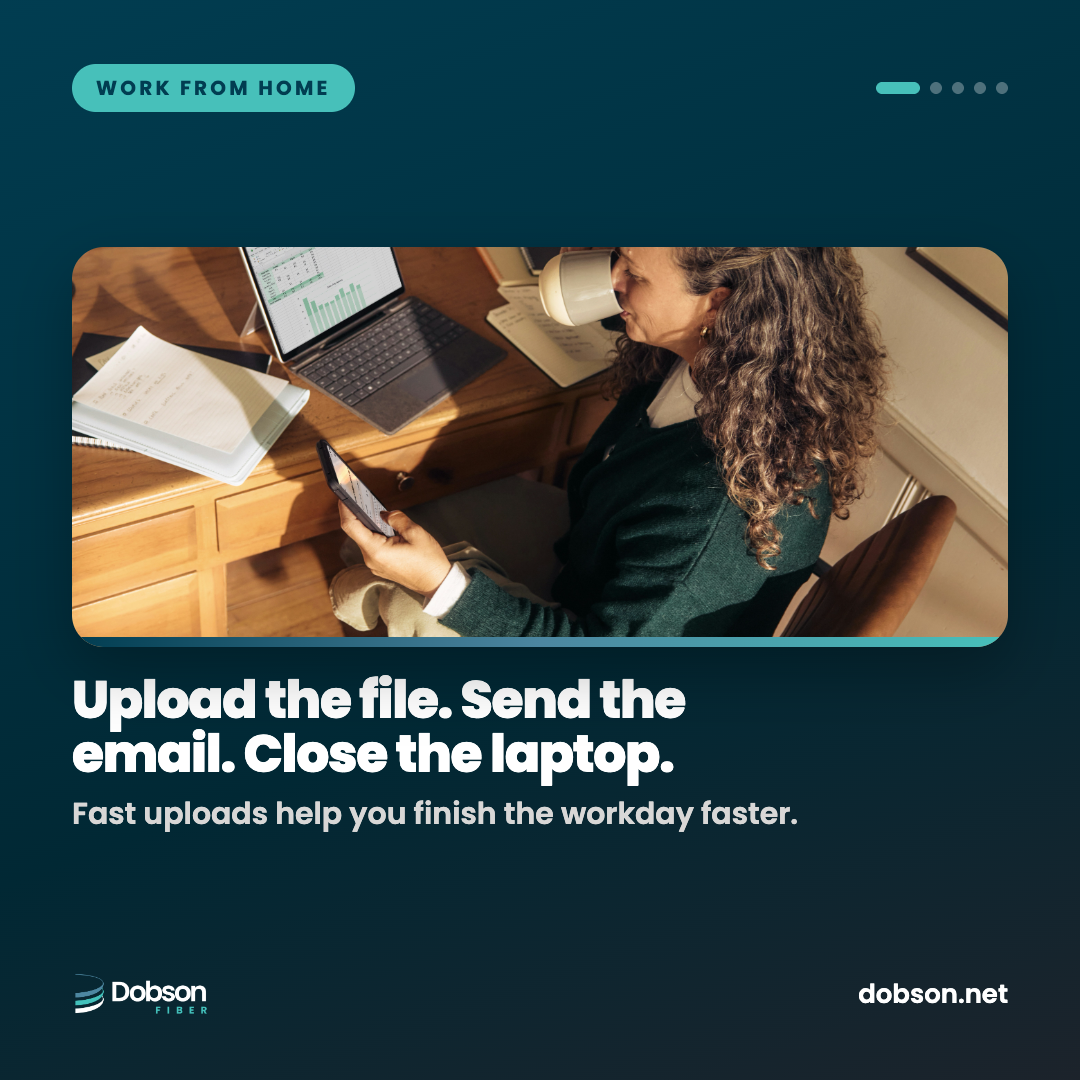
Upload as fast as you download. Send a 2 GB deck or a day of design files without watching a progress bar.
Your home office, upgraded
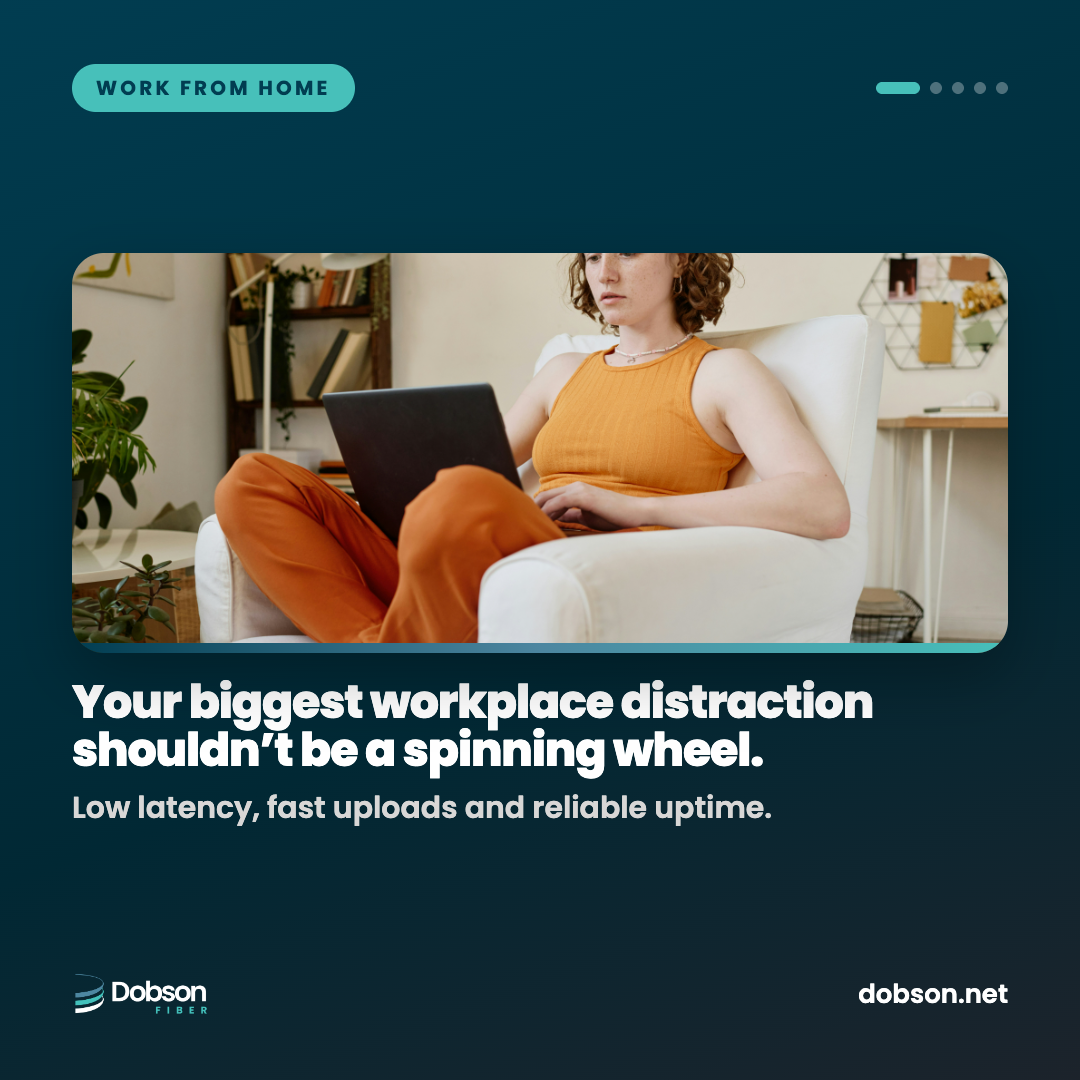
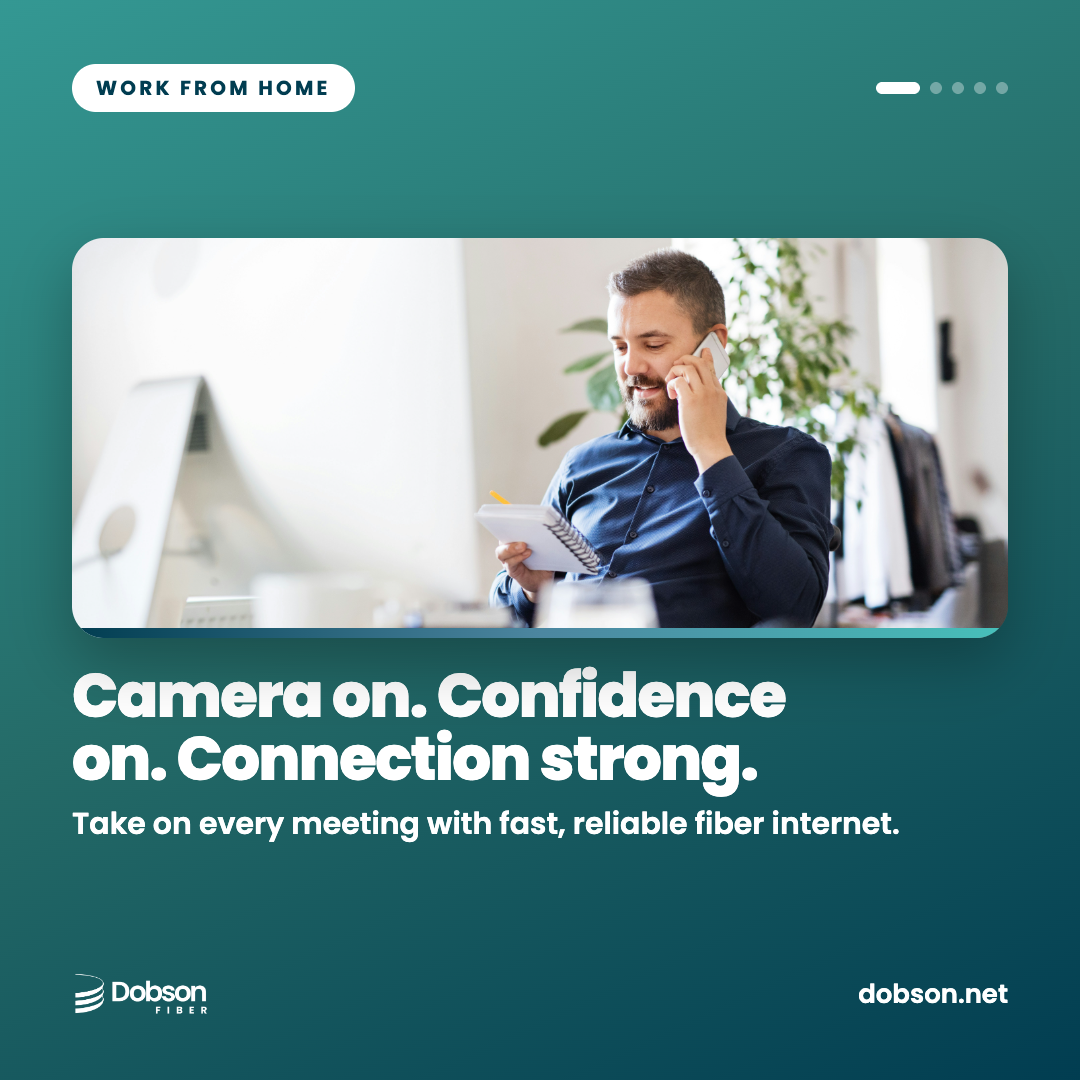
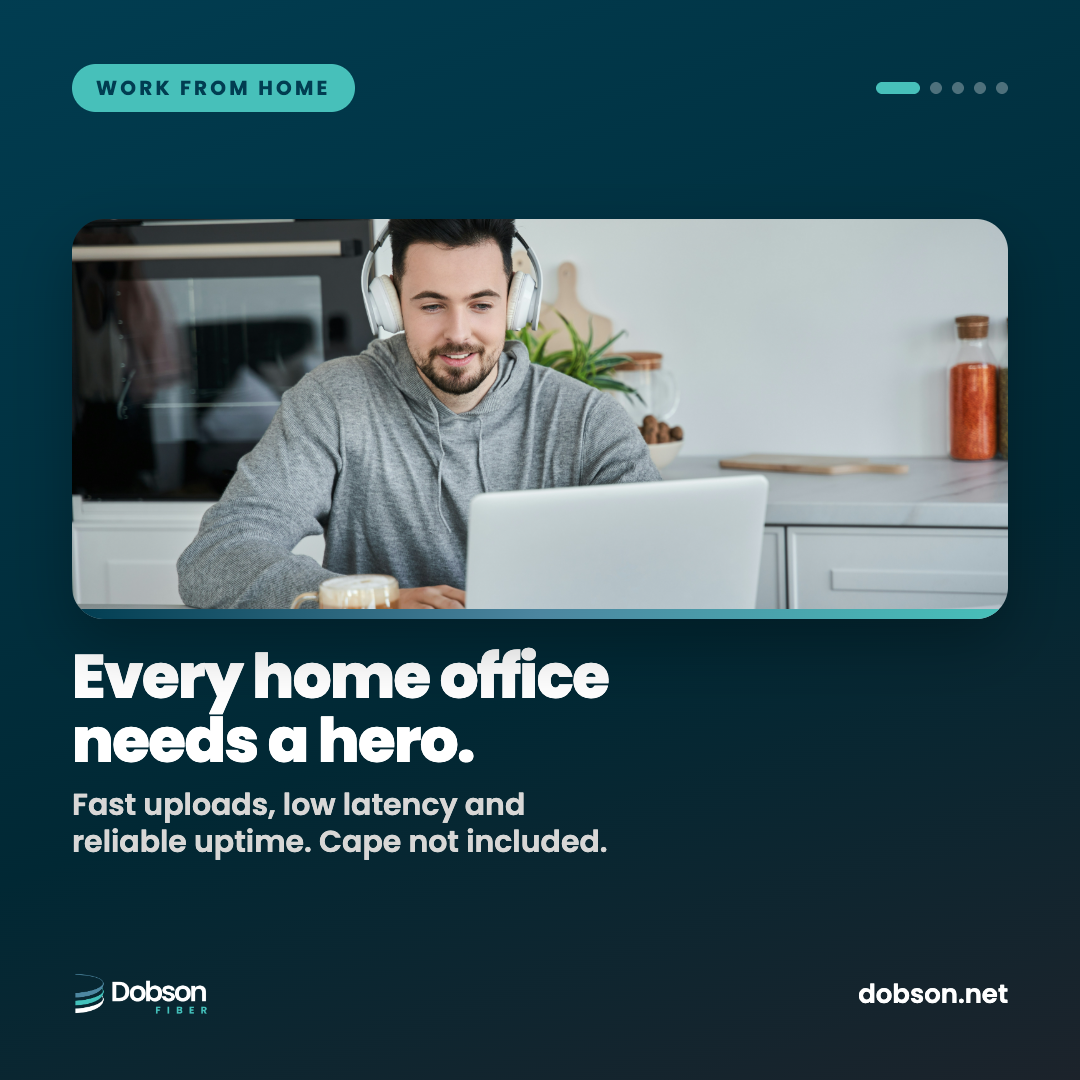
Dobson Fiber is 100% fiber built for the way you work now. Symmetrical speeds up to 10 Gigs mean your uploads move as fast as your downloads, so video calls stay sharp, screen shares stay smooth and big files send before your coffee cools.

The 9 AM showdown
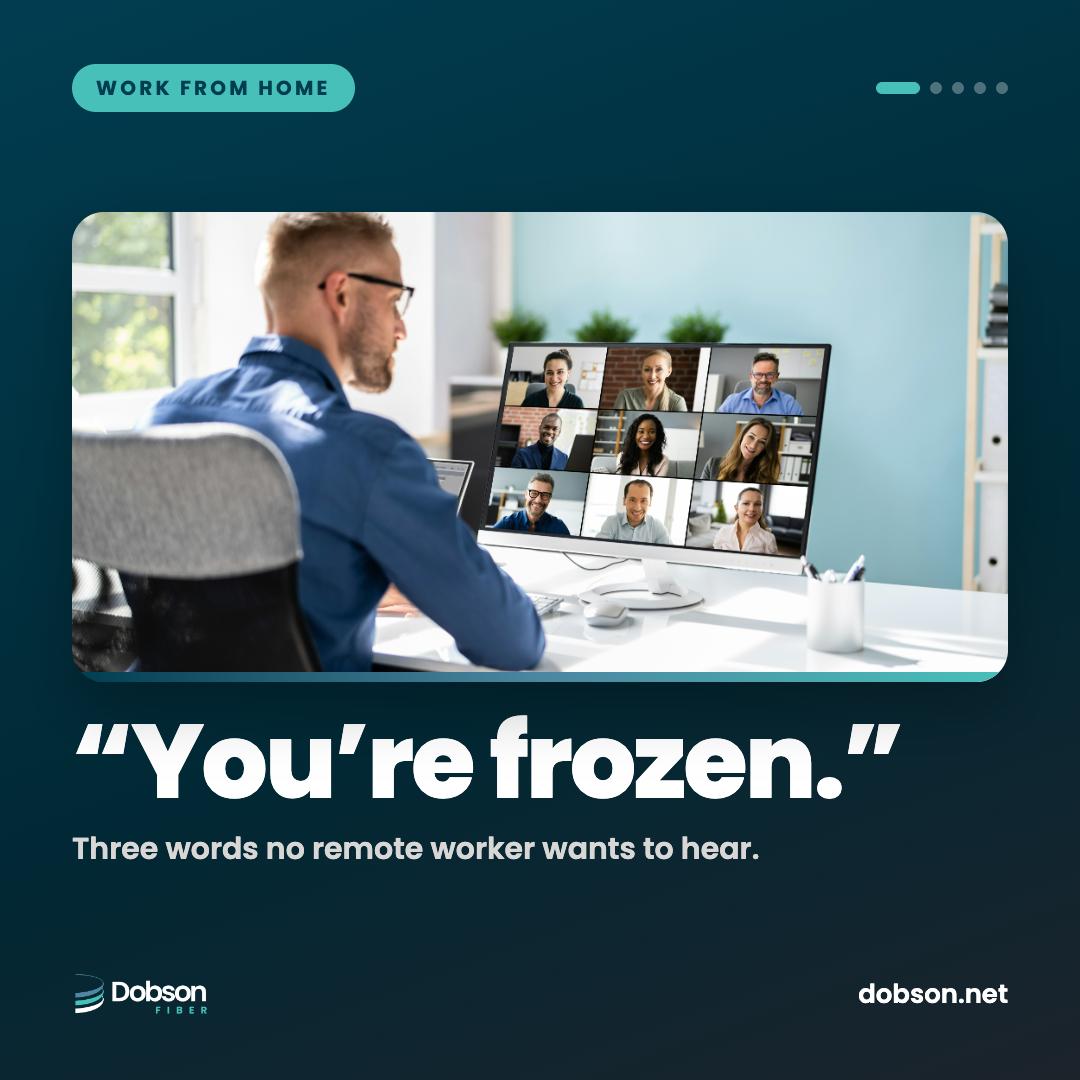
Every remote worker knows the face. Mouth open, eyes half shut, stuck mid-sentence while the team waits. Most home connections send far less than they receive, and video calls, screen shares and cloud backups all lean on upload. Fiber gives you the same speed both ways.
 Your connection is unstable
Dobson Fiber
Your connection is unstable
Dobson Fiber
Why fiber for remote work
Upload as fast as you download. Send a 2 GB deck or a day of design files without watching a progress bar.
Low, steady latency keeps voices in sync with faces, so you stop talking over each other.
Your first eero router is free, with coverage that reaches the spare room, the patio and the kitchen-table desk.
No caps and no throttling. Cloud backups, VPN traffic and all-day video don't count against a limit.
Your call stays clear while the kids do homework and someone streams in 4K down the hall.
Free installation, no annual contract and a local team you can reach around the clock.
Know your options
| What matters | Dobson Fiber | Cable | Fixed wireless / 5G home | Satellite |
|---|---|---|---|---|
| Upload speed | Symmetrical, up to 10 Gigs | Usually a fraction of download | Varies with signal | Limited |
| Video call latency | Low and steady | Low to moderate | Moderate, can spike | Higher |
| Data policy | Unlimited, no caps | Some plans capped | Some plans deprioritized | Often capped |
| 9 AM busy-hour | Steady | Can slow when neighbors log on | Can slow with tower load | Weather and load sensitive |
| Best for | Calls, uploads, VPN, the whole house | Mostly downloading | Light use | Where nothing else reaches |
Typical characteristics of each technology. Individual providers and plans vary.
Pick your desk
Every plan is 100% fiber with symmetrical speeds, unlimited data, free installation and no contracts.
Solo Shift
1 Gig
Team Call
2 Gigs
Creator Desk
5 Gigs
Corner Office · GO GIG™
10 Gigs
Speeds are "up to" and not guaranteed. Plans, pricing and equipment vary by address. Terms and Conditions May Apply.
Run the numbers
See how long your files take to upload, or add up what your household does at once.
Your 9 AM call is on. What else is happening at your house? Tap everything that's honestly going on. We won't tell your manager.
For fun, with rough planning numbers per activity. Your real usage depends on your devices and apps. Speeds are "up to."
Best-case estimates at full line rate over a wired connection. Real-world results vary with your devices, WiFi and the server on the other end.
Office hours
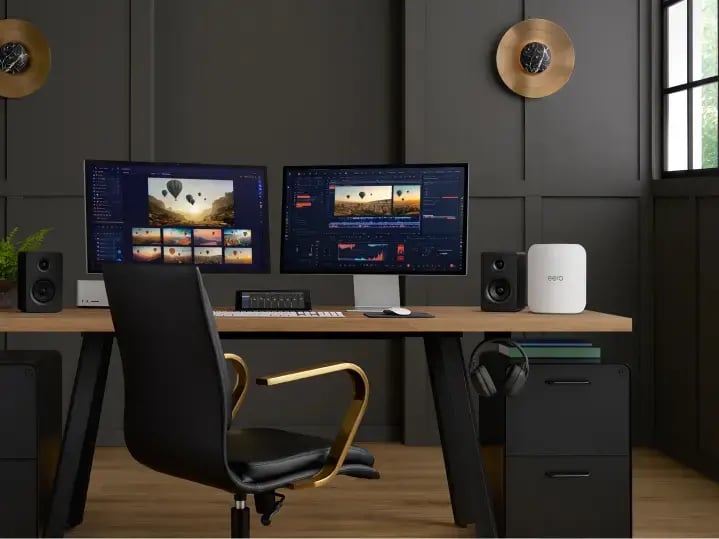
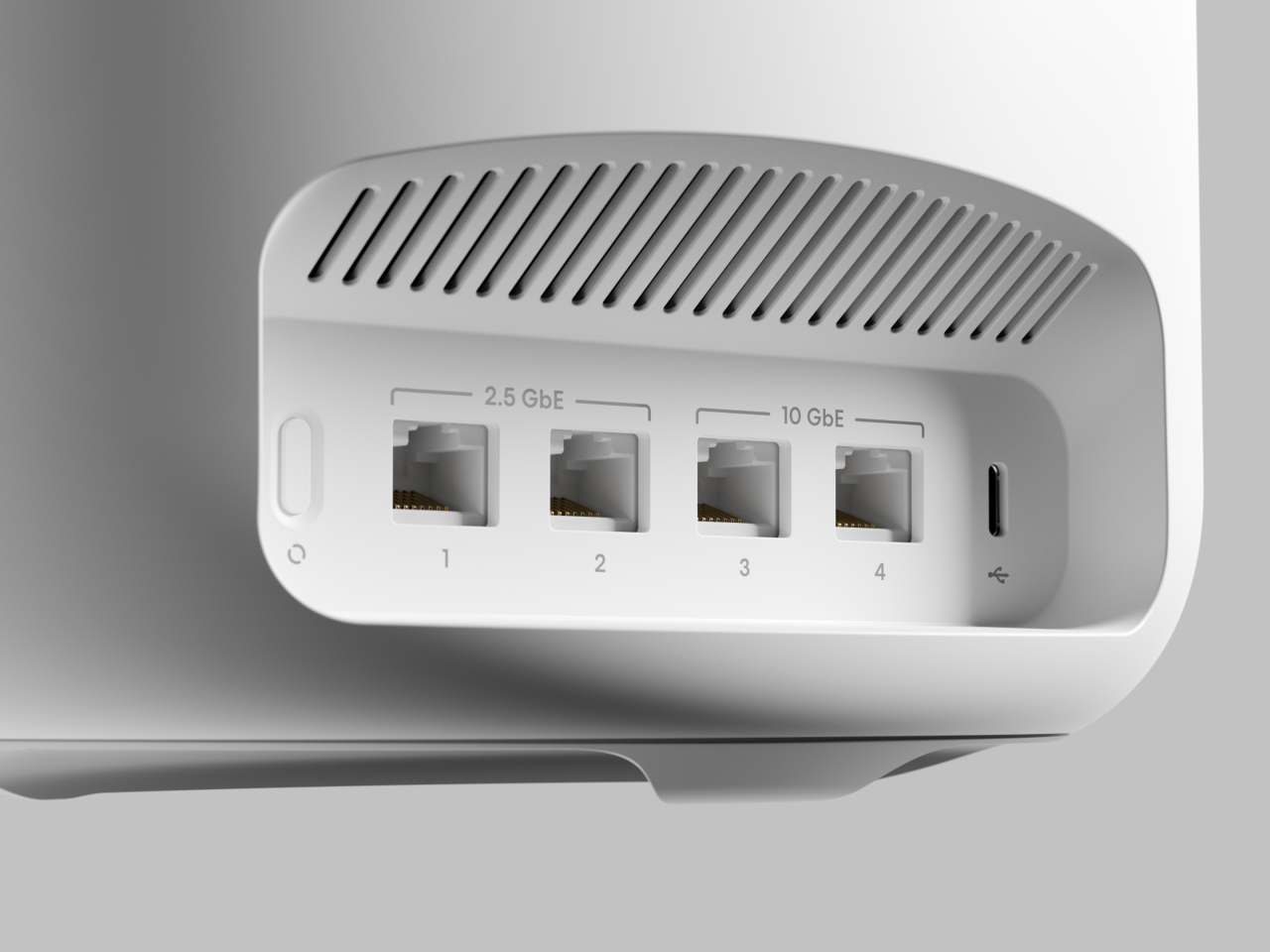
A Cat6 Ethernet cable to your eero is the steadiest connection for calls and VPN.
Out in the open and off the floor. Not in a cabinet or behind the TV.
If your office is at the end of the hall, a booster keeps the signal strong.
WiFi 7 eero models add a wide, uncrowded band for supported laptops and phones.
The eero app can prioritize conferencing traffic during work hours.
Set cloud backups and system updates to run overnight.
Profiles in the eero app keep the work laptop separate from the kids' tablets.
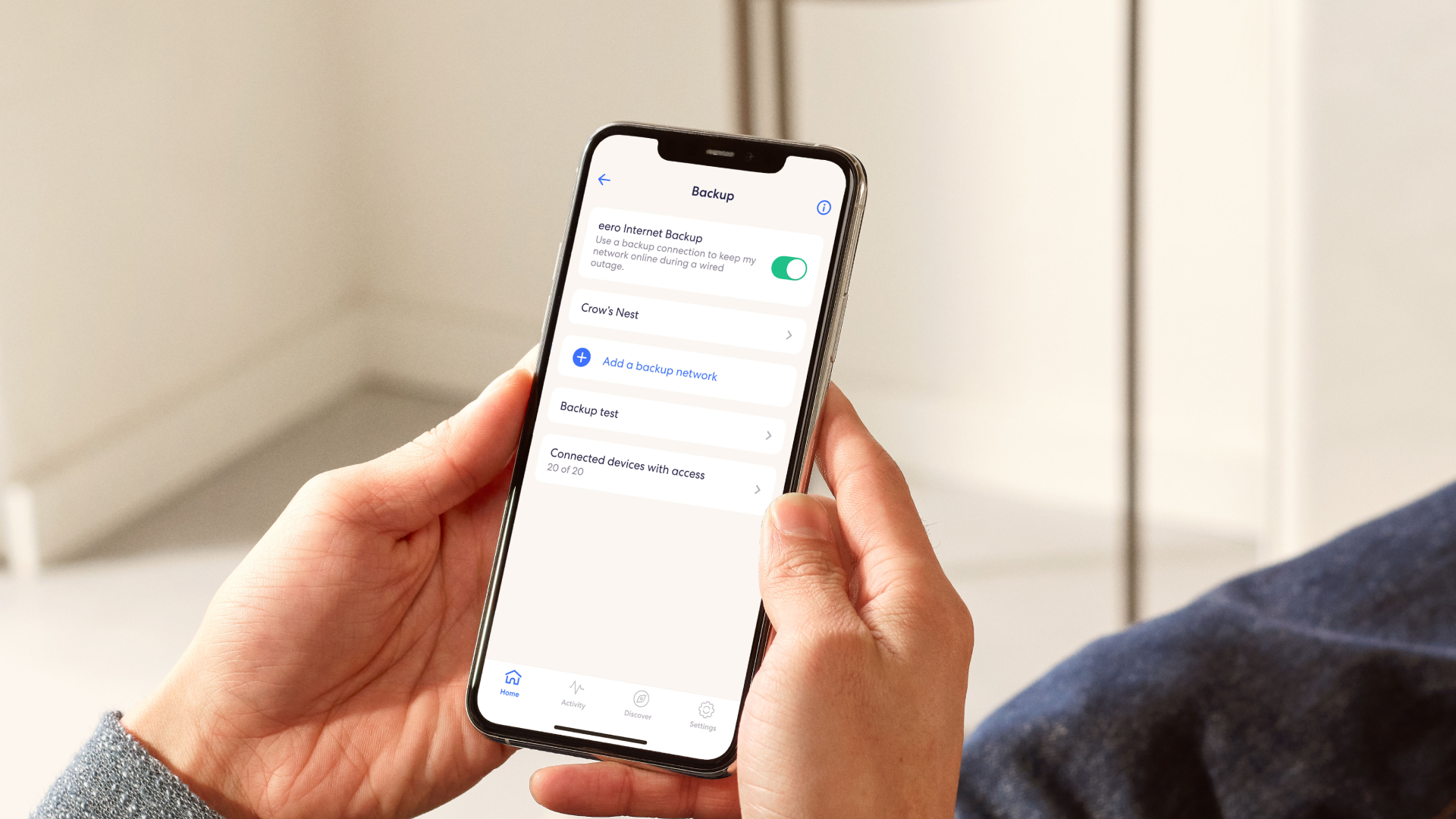
eero Plus adds Internet Backup, which can switch to a backup connection you choose if the line goes down.
Before the first meeting
Ten quick checks for a smooth week of calls.
0 of 10 done

Every device on the desk
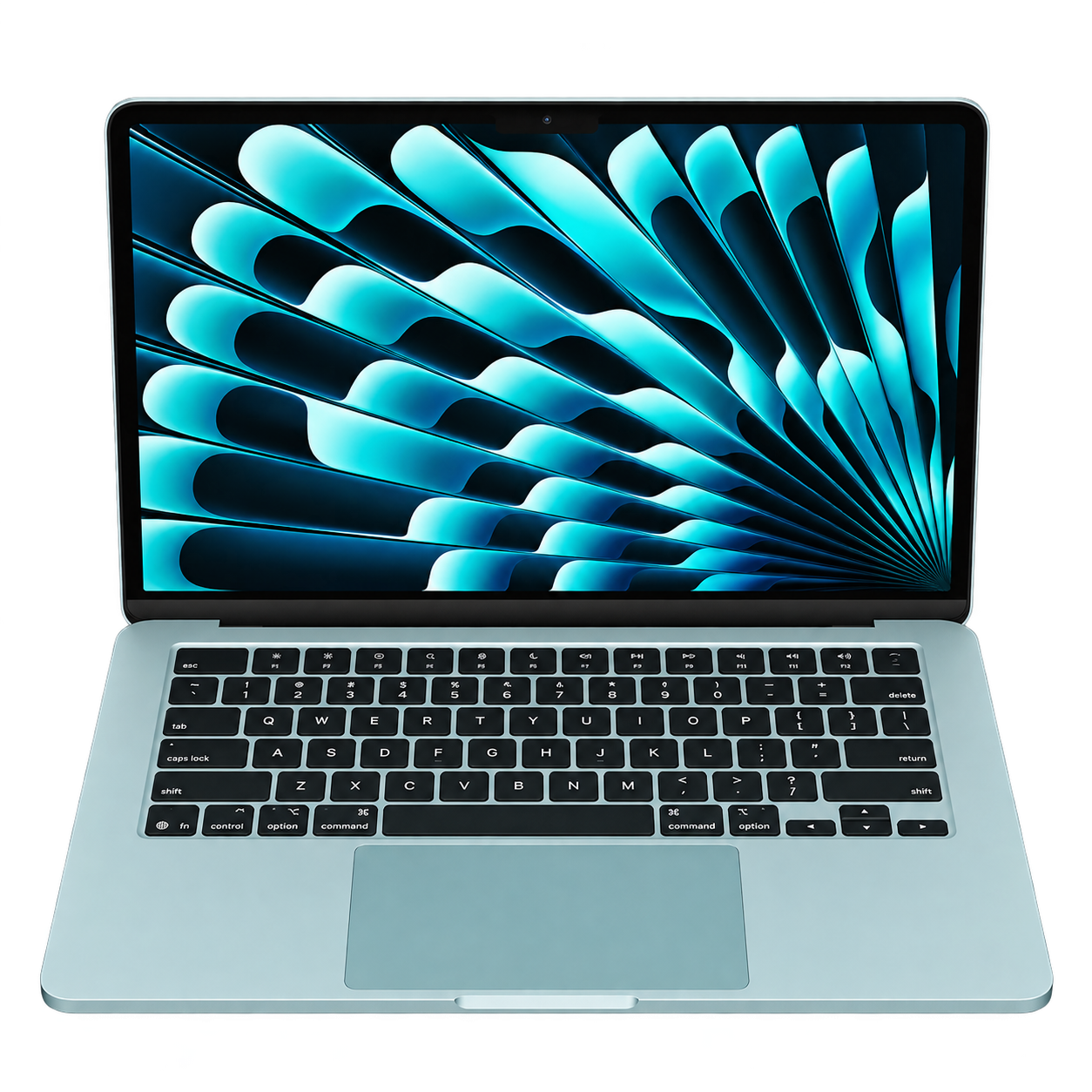
Video calls, VPN and cloud apps all day, wired or on WiFi 7.
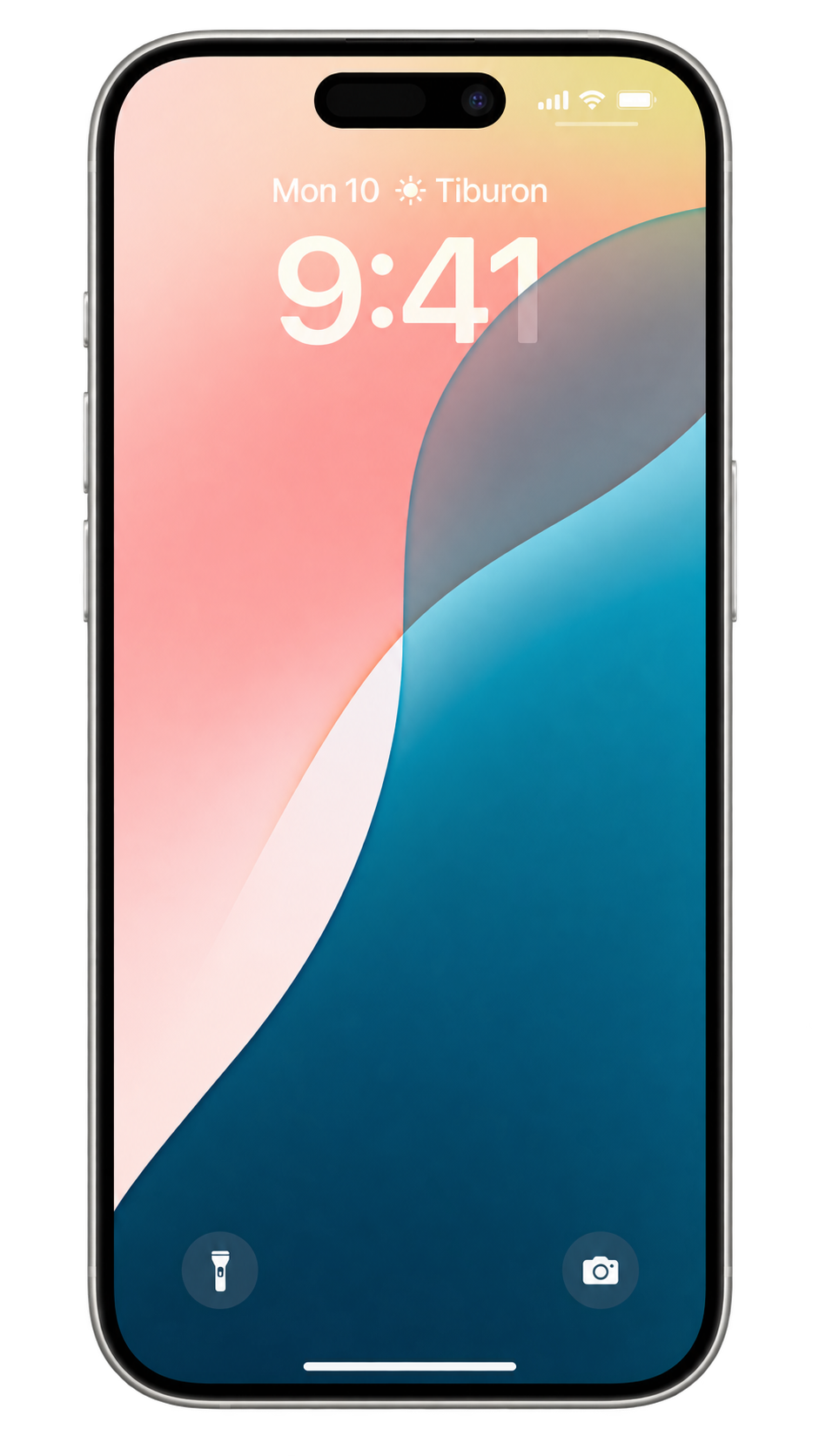
WiFi calling and quick check-ins from anywhere in the house.
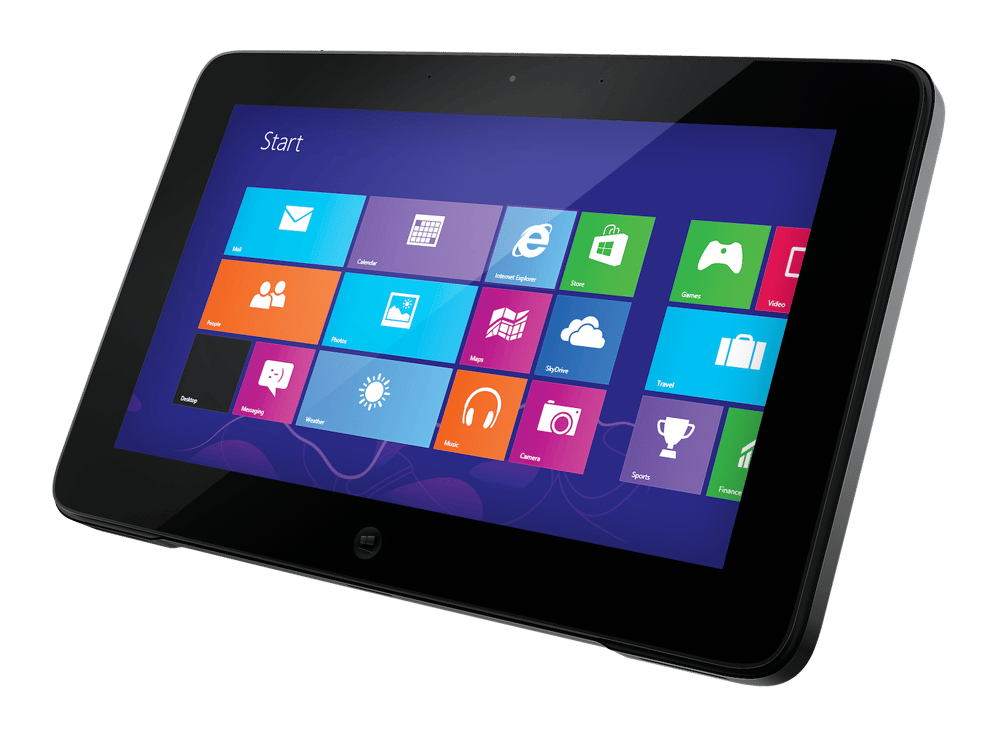
Notes, markups and meetings from the couch or the patio.
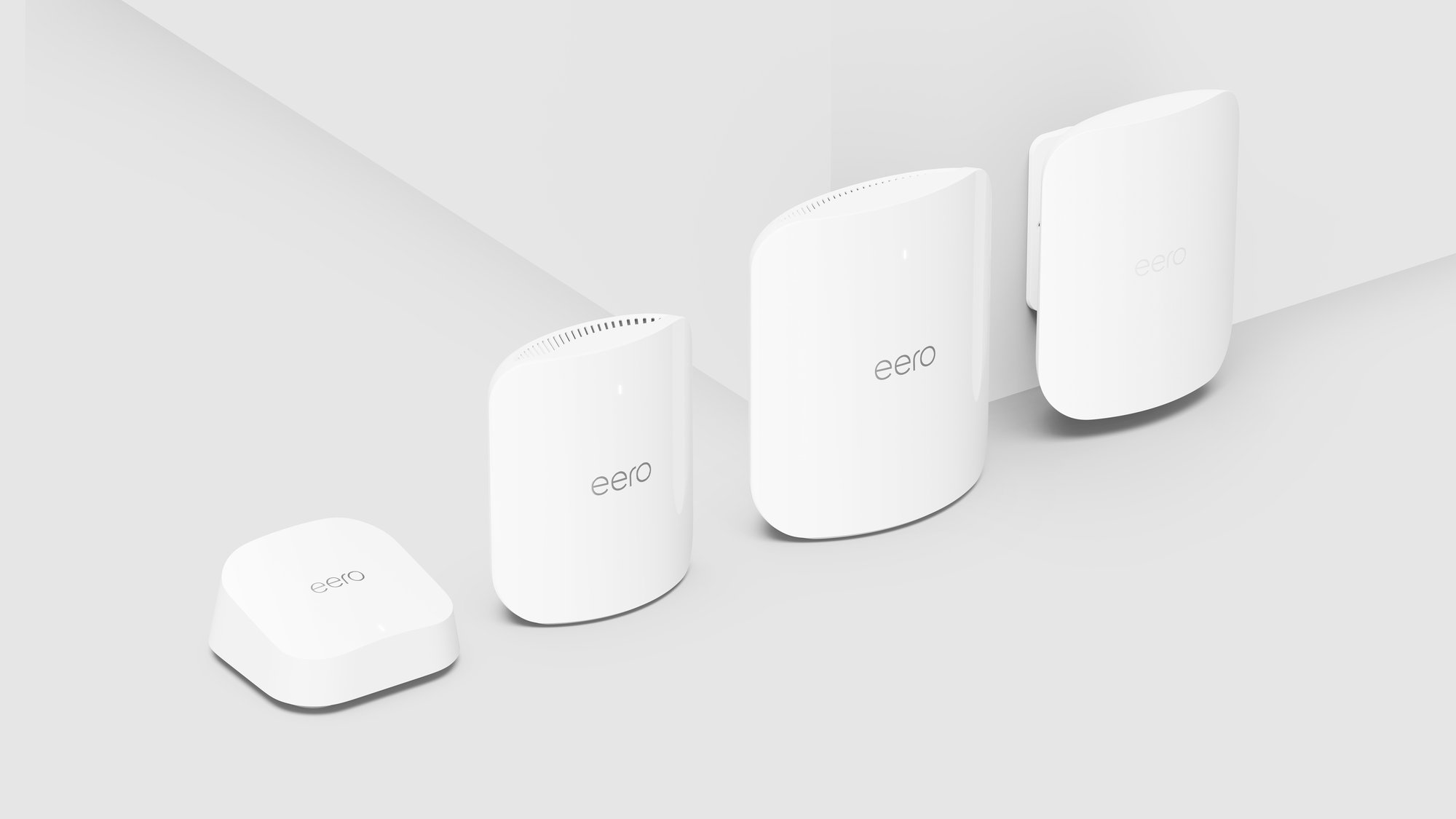
Your first router is free. Add boosters to cover every room.
Highlight reel



Whole-home Wi-Fi
Your call, their homework and someone's 4K stream, all at the same time without the slowdown.




Five-star reviews
Real five-star reviews from Dobson Fiber customers on Google and ISP Reports, edited for length.
"Five times the speed of my old provider at half the price. I work from home and was able to upload 20Gb of audio files very quickly."
"They have been dependable and fast every day. I use the service to work from home as well as for entertainment. I recommend Dobson Fiber to anyone who wants to work from home…"
"…I work from home and I was used to very slow internet. It amazes me how much faster the fiber is. The technician was fast and very nice."
"My service is fast, but most importantly, it's consistently reliable. This is incredibly important because I work from home."
"I'm paying less for faster internet than I was with my previous provider. As someone who works from home and depends on high-speed internet, I've been thrilled with the performance—no issues at all so far."
"…I work from home and it was unacceptable. Now my internet is stable and extremely fast. My only regret is I didn't do this sooner."
"…Online gaming, streaming, music, Alexas, phones, and we also both (my husband and I) work from home. Service is great, fast and rarely goes down."
"The power company switched out a pole and disconnected our internet. I called Dobson and someone came out in less than 30 minutes to assess and fix. I work remotely and absolutely rely on my Internet to be up and running."
"…I work remotely from home and have 0 issues. Theres no dropping of internet, no reduction of speed… I also do a side of live streaming to 3 platforms, and the internet holds up for all 3 with 0 issues."
"I work from home… I finally switched… the first opportunity I got and I have never lost connection. Best decision we ever made."
"Very reliable and fast! I work from home and it's able to manage that and several other devices in the home all at once."
"…I have a wfh job so this is imperative. The wi-fi range extender, for the back bedrooms, provides great reception, also. Thank you, Dobson!"
Already a customer?
Move up to 2, 5 or 10 Gigs where available.
Boosters, eero Pro and eero Pro Max for full-home coverage.
A monthly add-on with security, ad blocking, Internet Backup and VPN.
Repair and warranty coverage for the devices you work on.
Customer Care Monday–Friday, 8am–6pm. Tech support 24/7.
Questions
Yes. Fiber delivers symmetrical speeds, so your upload is as fast as your download. Video calls, screen sharing, VPN and cloud backups all depend on upload, which is where many other connection types fall short.
One person on video calls all day is well covered by 1 Gig. If two people work from home or you move large files, 2 Gigs gives you room to spare. Creators who upload big video files should look at 5 or 10 Gigs. Speeds are up to and vary by address.
Your camera, microphone and screen share all travel upstream. When upload is limited, your video is the first thing to freeze, even if your download speed looks fine.
No. Every Dobson Fiber plan includes unlimited data with no caps and no throttling, so all-day video and big backups never count against a limit.
Yes. Corporate VPNs work on Dobson Fiber. For the steadiest connection, plug your work computer into your eero with an Ethernet cable.
Your plan includes a WiFi 7 eero router, and 2 Gig and faster plans include a free booster. If your office still has a weak spot, add another eero to extend coverage.
eero Plus, a monthly add-on, includes Internet Backup, which can switch your network to a backup connection you choose if your fiber line goes down. Our tech support team is available 24/7 at 855.5.DOBSON.
No contracts and free installation. Plans and equipment vary by address. Terms and Conditions May Apply.
Check your address at shop.dobson.net to see the speeds and plans available where you live, or call 855.5.DOBSON.
Meeting adjourned
Fast. Reliable. Local.